How to Write Upside Down Text in Discord (Copy and Paste)
Want to flip your Discord messages upside down? It is one of those little tricks that never gets old. Your friends type normally, and your messages show up flipped. Discord does not have a built-in flip button, but you can do it in about ten seconds with Unicode characters. Here is exactly how.
How to Write Upside Down Text in Discord
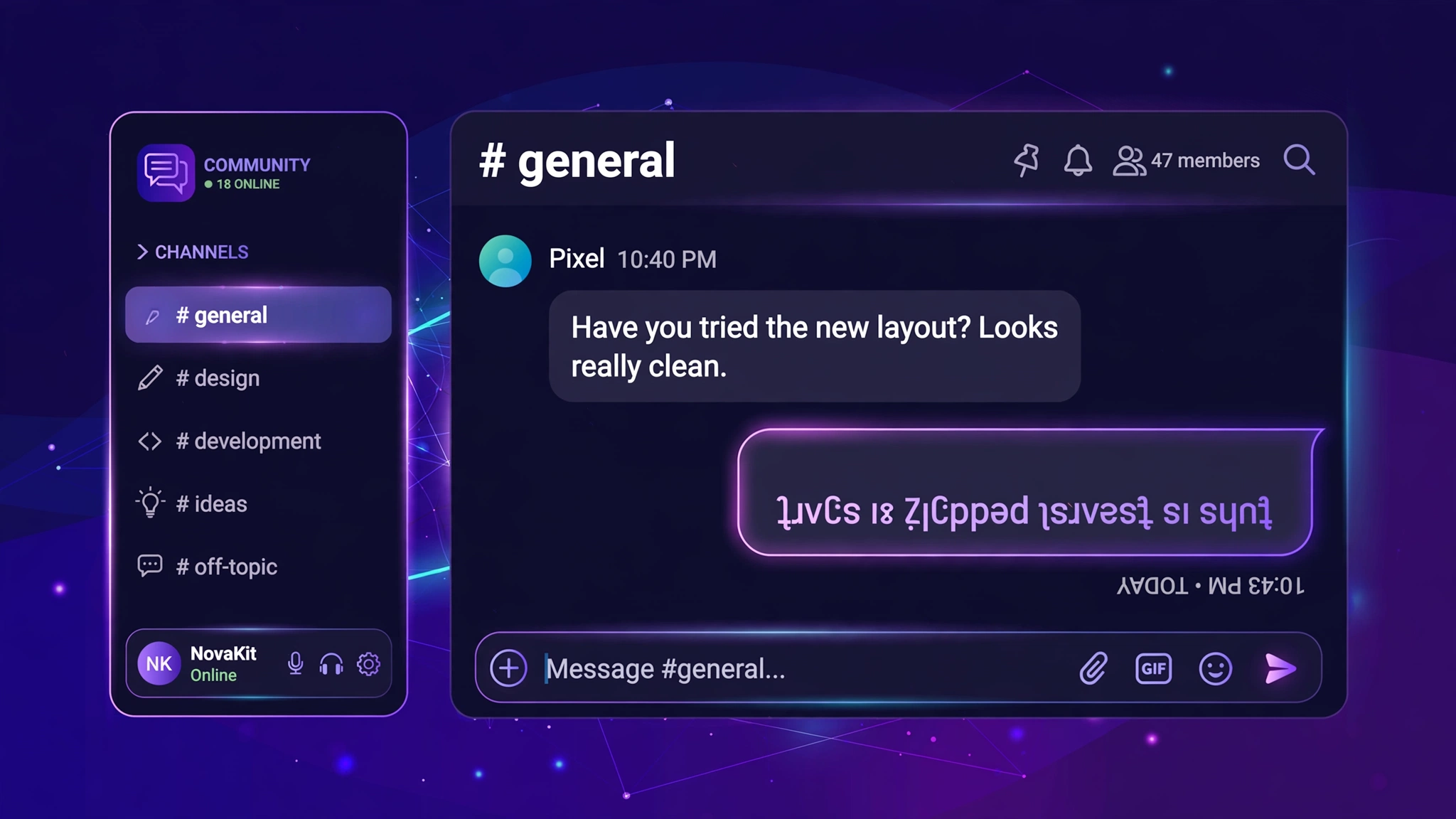
Step 1: Type your message into an upside down text generator. It flips your text instantly, right in your browser. Nothing to install.
Step 2: Copy the flipped result.
Step 3: Paste it into any Discord channel or DM and hit send. That is all there is to it.
Why Does This Work?
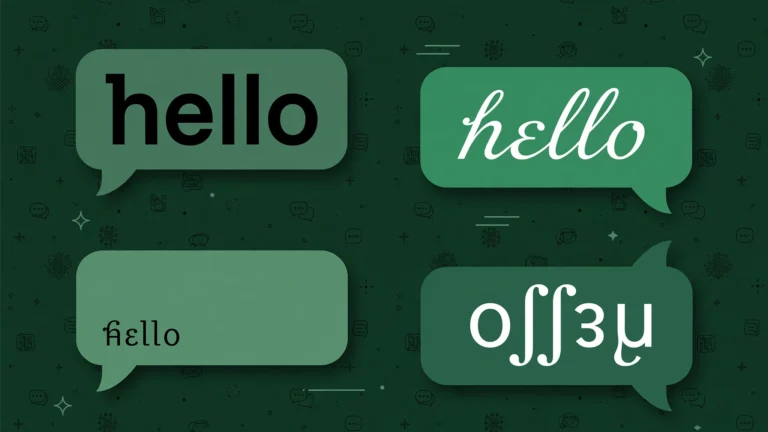
Discord renders plain Unicode text, and Unicode includes flipped versions of most Latin letters and numbers. So “hello” becomes “oʅʅǝɥ”. You are not sending an image or installing a mod. It is just regular text characters that happen to look upside down.
Try These Examples
hello becomes oʅʅǝɥ, and yes becomes sǝʎ. Type any sentence into the generator to flip longer messages.
Where Else Can You Use Flipped Text?
Anywhere that accepts plain text: Instagram bios, TikTok captions, WhatsApp messages, X posts. The same copy and paste trick works in all of them.
A Few Things Worth Knowing
Screen readers read flipped characters in a strange way, so keep it to fun messages, not anything important. A few characters do not have perfect flipped twins, so some words look slightly off. That is completely normal. It works on Discord mobile too: open the generator in your phone browser, copy, and paste into the Discord app.
Frequently Asked Questions
Does Discord have a built-in upside down text feature?
No. Discord supports basic markdown like bold, italic, underline, and strikethrough, but there is no flip option. Copying and pasting from a generator is the way to do it. For everyday styling outside Discord, our bold text generator works anywhere.
Will upside down text work in my Discord username?
Usernames follow stricter character rules, so flipped text often gets rejected there. It works best in messages, channel topics, and your About Me section.
Can I do this on Discord mobile?
Yes. Open the generator in your phone browser, copy the flipped result, and paste it into the Discord app. Same steps as desktop.
Is upside down text against Discord rules?
No. It is just Unicode text, the same kind of characters as normal letters. It does not break any rules.