Stylish Fonts for WhatsApp: Copy and Paste Guide
WhatsApp does not have a font button, but that has never stopped anyone. Millions of people send messages in bold, cursive, and fancy styles every day using two simple methods: WhatsApp’s own hidden formatting tricks, and copy-paste Unicode fonts.
This guide covers both. By the end, your WhatsApp name, status, and messages can look completely different from everyone else’s.
WhatsApp’s Built-In Text Formatting
Before the fancy stuff, learn the tricks WhatsApp already gives you. They work by wrapping your text in special characters.
Bold: put asterisks around the text. Typing *hello* sends hello.
Italic: put underscores around the text. Typing _hello_ sends hello.
Strikethrough: put tildes around the text. Typing ~hello~ sends hello.
Monospace: put three backticks around the text. Typing “`hello“` sends it in a typewriter style.
You can even combine them. Typing *_hello_* sends bold italic. These work in every chat, group, and status text, on both Android and iPhone, with nothing to install.
But built-in formatting only gives you four options. For real style, you need the second method.
Stylish Unicode Fonts for WhatsApp
This is where it gets fun. Special Unicode characters look like entirely different fonts, and WhatsApp displays them as ordinary text. You generate them on a site like FontGenies, copy, and paste into WhatsApp.
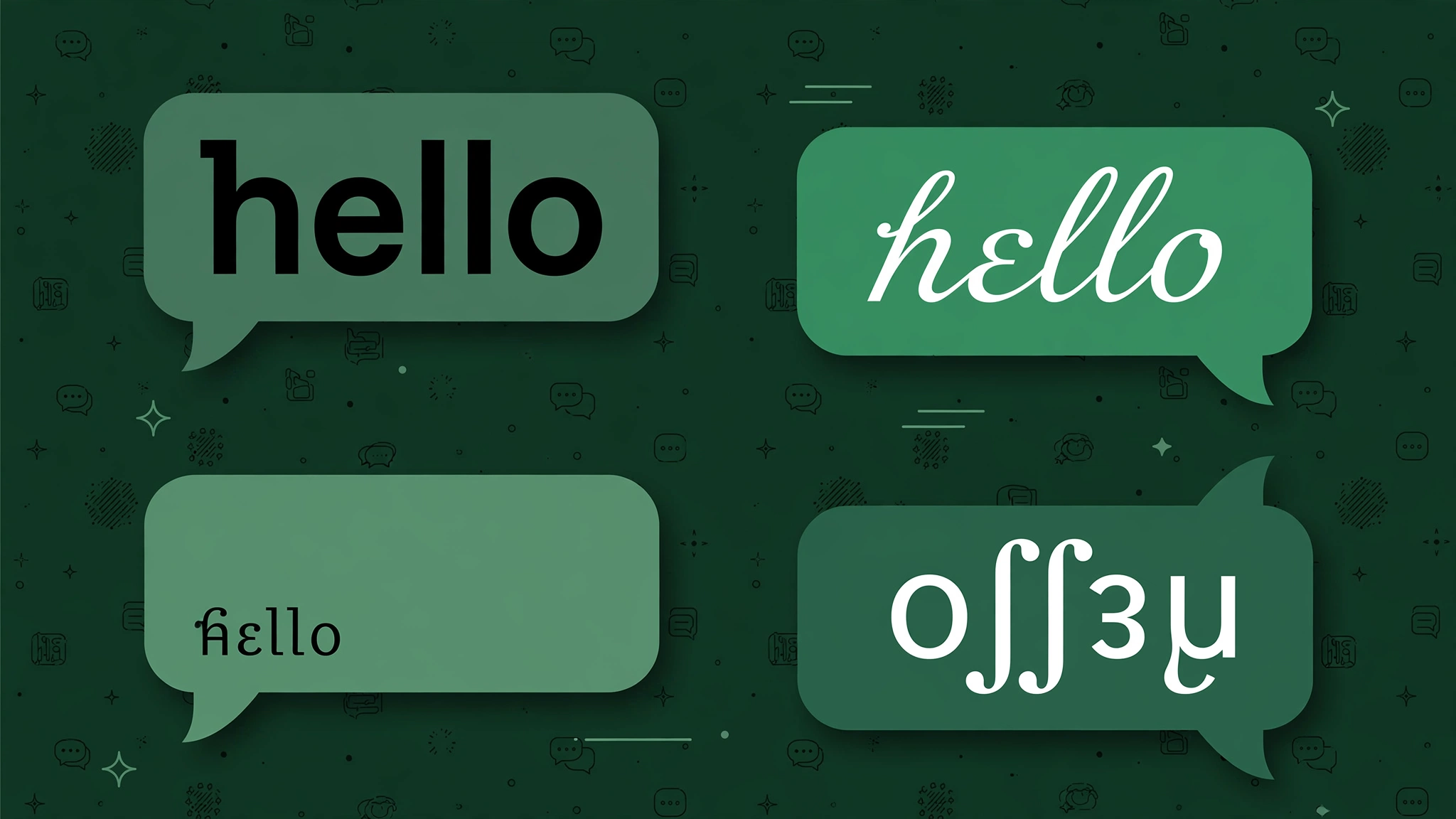
Here is what your messages could look like:
𝐁𝐨𝐥𝐝 𝐬𝐭𝐲𝐥𝐞 for strong announcements
𝘪𝘵𝘢𝘭𝘪𝘤 𝘴𝘵𝘺𝘭𝘦 for soft, elegant lines
𝓬𝓾𝓻𝓼𝓲𝓿𝓮 𝓼𝓽𝔂𝓵𝓮 for names and greetings
ᴛɪɴʏ ᴄᴀᴘs for a clean minimal look
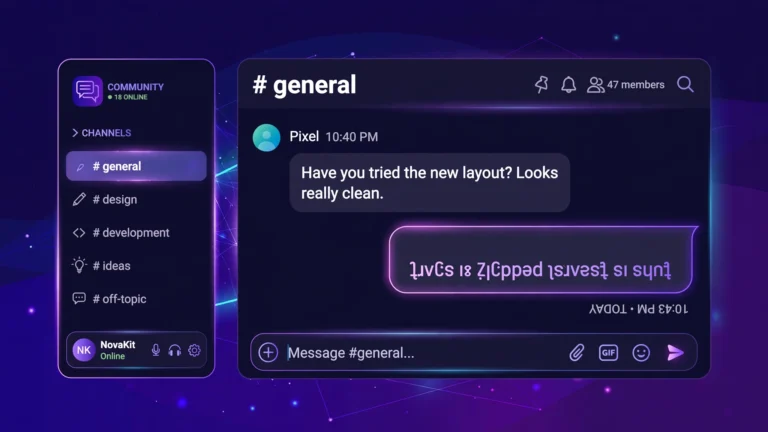
uʍop ǝpᴉsdn for jokes with friends
𝕘𝕝𝕚𝕥𝕔𝕙 𝕤𝕥𝕪𝕝𝕖 for a dramatic effect
The bold text generator and italic text generator make the two most-used styles in one click, and the full fancy text generator has over a hundred more.
How to Use Stylish Fonts in WhatsApp: Step by Step
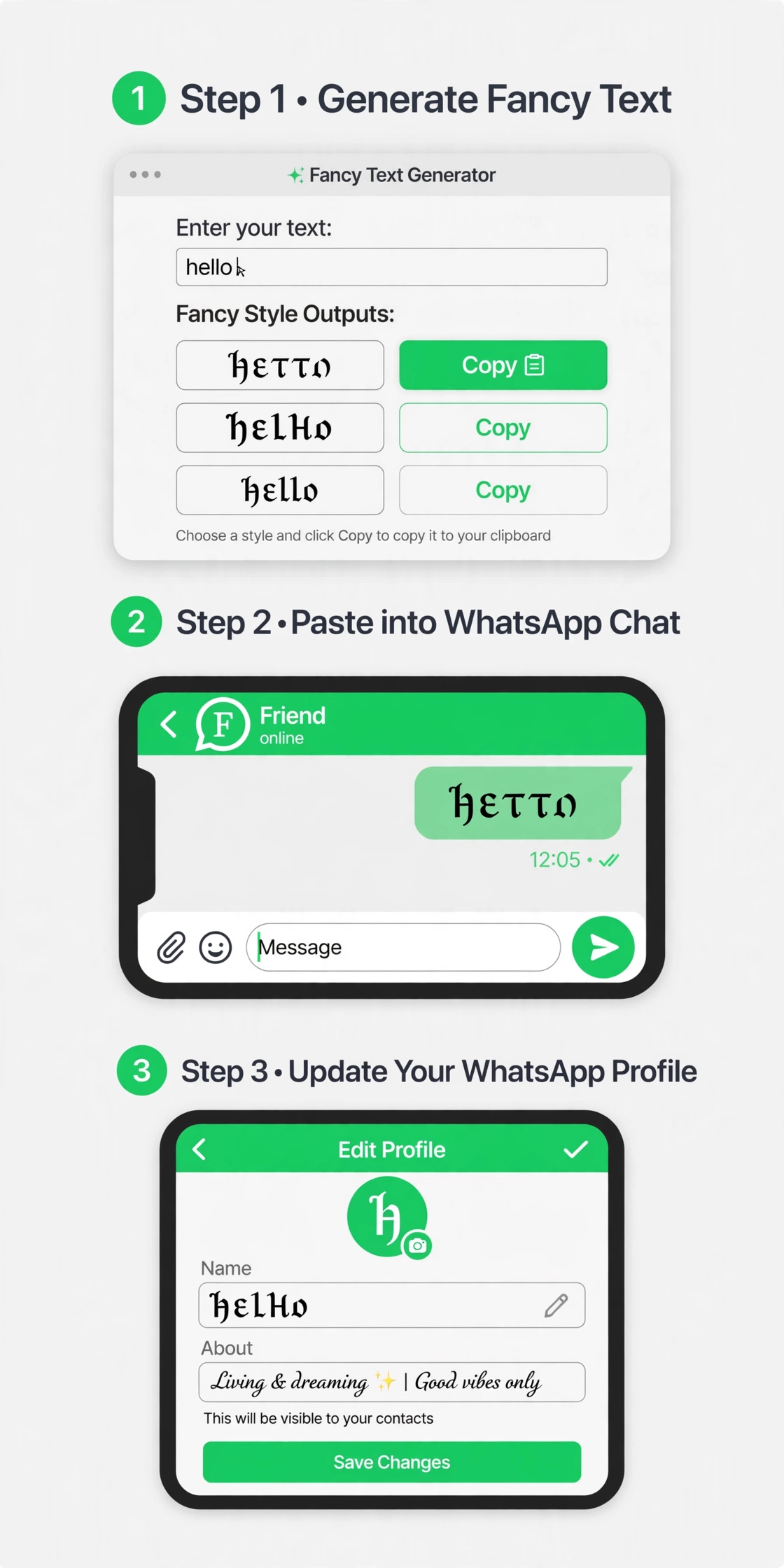
Step 1: Generate your styled text. Open the fancy text generator in your browser, type your message, name, or status line, and pick the style you like. Tap the copy button.
Step 2: Open WhatsApp and choose where it goes. You have three good spots:
- Your profile name: tap your profile photo, then your name, and paste. This is what people see in their chat list.
- Your About/status line: same screen, below your name. A styled quote or single emoji line works great here.
- Any message: paste directly into the chat box and send like normal.
Step 3: Send and check. The style appears instantly for you and for everyone who receives it. No settings to change on their side.
The whole process takes under a minute once you have done it once.
Ideas: Stylish WhatsApp Name and Status
Need inspiration? Try these combos.
Stylish names:
- 𝒜𝓁𝒾𝓎𝒶 (cursive first name)
- 𝐌𝐔𝐇𝐀𝐌𝐌𝐀𝐃 (bold caps)
- ᴍᴏᴏɴʟɪɢʜᴛ (tiny caps nickname)
Status lines:
- 𝓛𝓲𝓿𝓮, 𝓵𝓪𝓾𝓰𝓱, 𝓵𝓸𝓿𝓮
- 𝐁𝐮𝐬𝐲 • 𝐃𝐨 𝐧𝐨𝐭 𝐝𝐢𝐬𝐭𝐮𝐫𝐛
- ✨ ᴄʜᴀsɪɴɢ ᴅʀᴇᴀᴍs ✨
Pair a styled name with one or two WhatsApp emojis in your About line and your profile instantly looks premium.
Will Stylish Fonts Work on Everyone’s Phone?
Yes, for practically everyone. These are standard Unicode characters, the same system that carries emojis. Any phone made in the last decade displays them correctly in WhatsApp.
Two small notes. First, screen readers used by visually impaired people read these character by character, so avoid styling long important messages. Second, WhatsApp Web and desktop show them fine too, since it is all just text.
FAQs
How do I change the font style in WhatsApp?
WhatsApp has no font setting. Use the built-in tricks (*bold*, _italic_, ~strikethrough~) or generate Unicode stylish fonts on a site like FontGenies, then copy and paste them into your name, status, or messages.
Can I use stylish fonts in my WhatsApp name?
Yes. Open your profile, tap your name, and paste styled text. It shows in everyone’s chat list and in groups.
Do stylish fonts work on WhatsApp status?
Yes, both in text statuses and in the About line under your profile. Paste the styled text exactly like you would in a chat.
Will my contacts need to install anything to see the fonts?
No. The styled characters are plain Unicode text. They display on any phone without any app or setting change.
Is it safe to use a font generator site?
Yes. You are only converting text characters in your browser. Nothing is installed, no account is needed, and you paste the result yourself.
Why does my friend’s stylish name show boxes on my old phone?
Very old phones lack some newer Unicode characters. Sticking to common styles like bold, italic, cursive, and small caps avoids this almost entirely.